Plan tuxedo rental messages from the first inquiry to the return. Use practical fitting, pickup, and return templates with a clear staff handoff.


By Shadi Jabbour
Updated
A tuxedo rental involves several different dates: the fitting, pickup, event, and return. A useful message tells the customer which date matters next, what they need to do, and how to get help. Keep those messages tied to the rental record so a changed pickup time does not leave an old reminder in the queue.
This guide gives shop teams a practical communication sequence. The templates are examples to adapt to your policies; review each workflow before enabling automated delivery.
An inquiry acknowledgment should confirm receipt and explain the next step. Only describe a reservation as confirmed after your staff or booking system has checked the relevant inventory and completed your reservation requirements.
Hi [First name], thanks for contacting [Shop]. We received your request for [Event date]. Our next step is to confirm the style, size, and rental dates. Please [book a fitting / reply with your preferred appointment time]. Your rental is not confirmed yet. You can reach us at [Shop contact].
Capture the event date, preferred location, party name where relevant, and the best contact method. The online booking guide explains how to make that handoff easier for customers.
Send the appointment date, local time, shop address, and anything the customer should bring. If the fitting is for a wedding party, identify the party without sharing other members' measurements or payment details.
Your fitting at [Shop] is scheduled for [Date] at [Time and time zone], at [Address]. Please bring [Items required by your shop]. Need a different time? Contact [Shop contact] before your appointment so we can help reschedule.
Keep the appointment separate from the event date. A rescheduled fitting should update its reminder without changing the rental pickup or return. Review appointment management alongside the rental calendar workflow when evaluating software.
A scheduled pickup reminder and a ready-for-pickup message mean different things. Before sending “ready,” check that the complete package is present and that required fitting or preparation work is finished.
Your rental is ready for pickup at [Location] on [Date], during [Hours]. Your package includes [Items]. [Balance or payment instructions, if applicable.] Please allow time to check the fit before leaving. Contact [Shop contact] if your plans have changed.
If an item is missing, staff should resolve the exception or contact the customer with specific options. Avoid sending a reassuring automated message while a readiness issue is open.
State the return date, time, location, and expected items together. Use the policy the customer accepted; do not invent a fee in the reminder.
Please return [Items] to [Location] by [Date and time]. Our return hours are [Hours]. If you expect a delay, contact [Shop contact]. Any late or missing-item charges follow the terms on your rental agreement.
Stop pending reminders after the return is recorded. If only part of the package came back, name the outstanding items rather than asking for the entire rental again. The tuxedo rental workflow connects pickup, return, inspection, and inventory release.
A reminder is only helpful if someone handles the reply. Store the conversation with the customer or rental, assign the next action to a staff member, and record when it is resolved. During a shift change, staff should be able to see:
Use customer relationship management to evaluate that shared history. Keep promotional campaigns separate from necessary rental updates and honor customers' communication preferences.
Run a sample rental through inquiry, fitting, pickup, and return. Then change a date, cancel an appointment, and record a partial return. Check that old reminders stop, replacements use the correct details, and staff can see delivery problems and unresolved replies.
Track missed appointments, pickup questions, overdue items, and time spent following up. Compare those observations over consistent periods; do not assume that sending more messages improves the experience.
To evaluate the workflow in SleekSync, schedule a demo with one representative rental scenario or use the formalwear rental workflow checklist to prepare your questions.
Get a short operational series about availability promises, fitting handoffs, party orders, pickup, and returns.

Shadi Jabbour

Shadi Jabbour
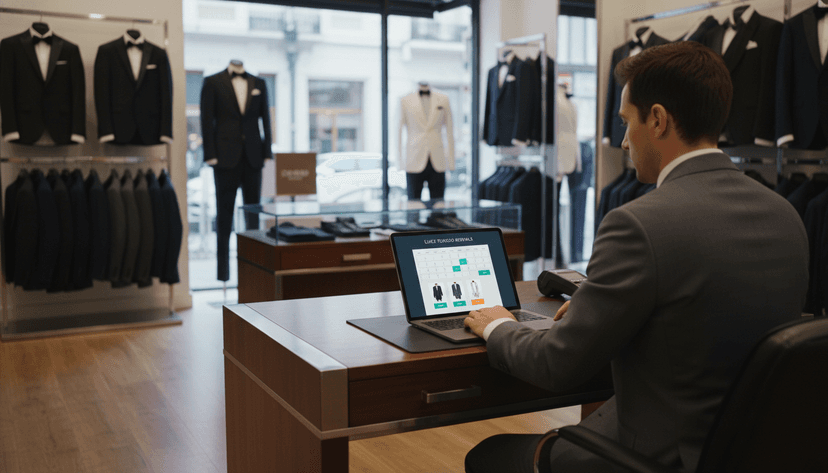
Learn how to create a seamless online booking experience that attracts more customers and simplifies the reservation process for your tuxedo rental service.

Discover how integrating advanced technology can streamline operations, improve customer experiences, and drive growth in your tuxedo rental business.